Facts & Features
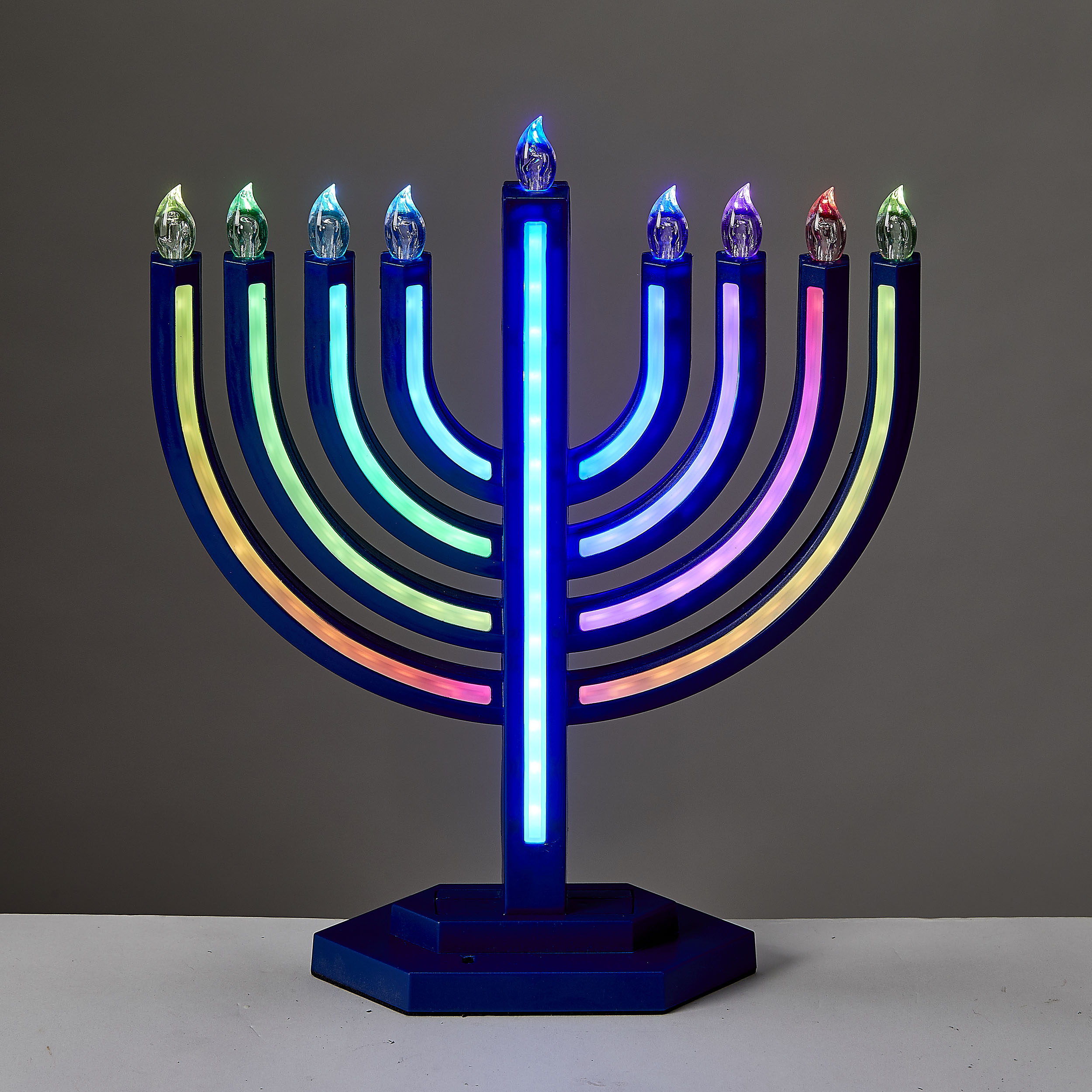
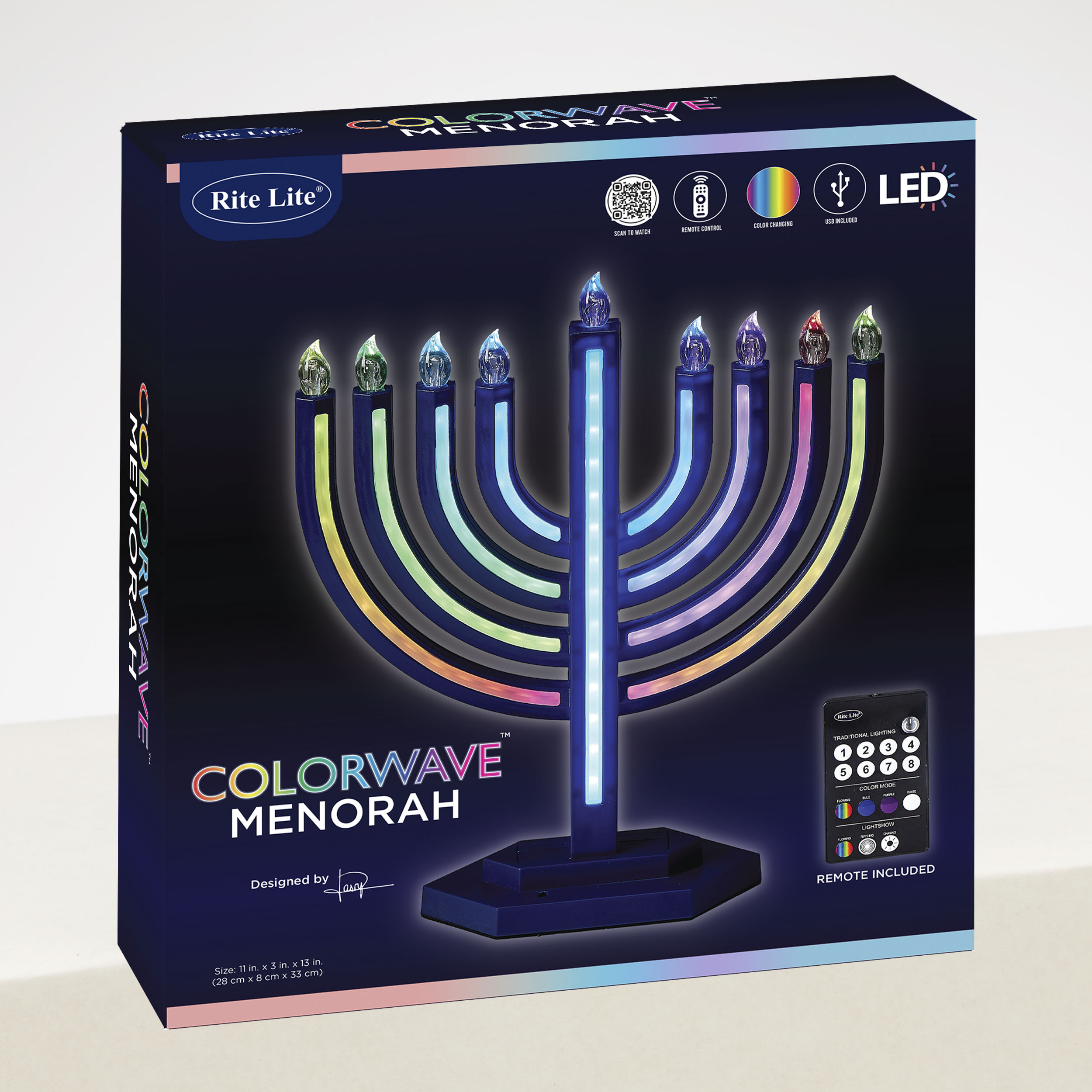
- Two Control Methods : Push-button or Remote Control Traditional Lighting & Multicolor Display Modes Decorative Matte Finish Color Changing Lights Energy saving Non-Replaceable LED bulbs
Care & Contents
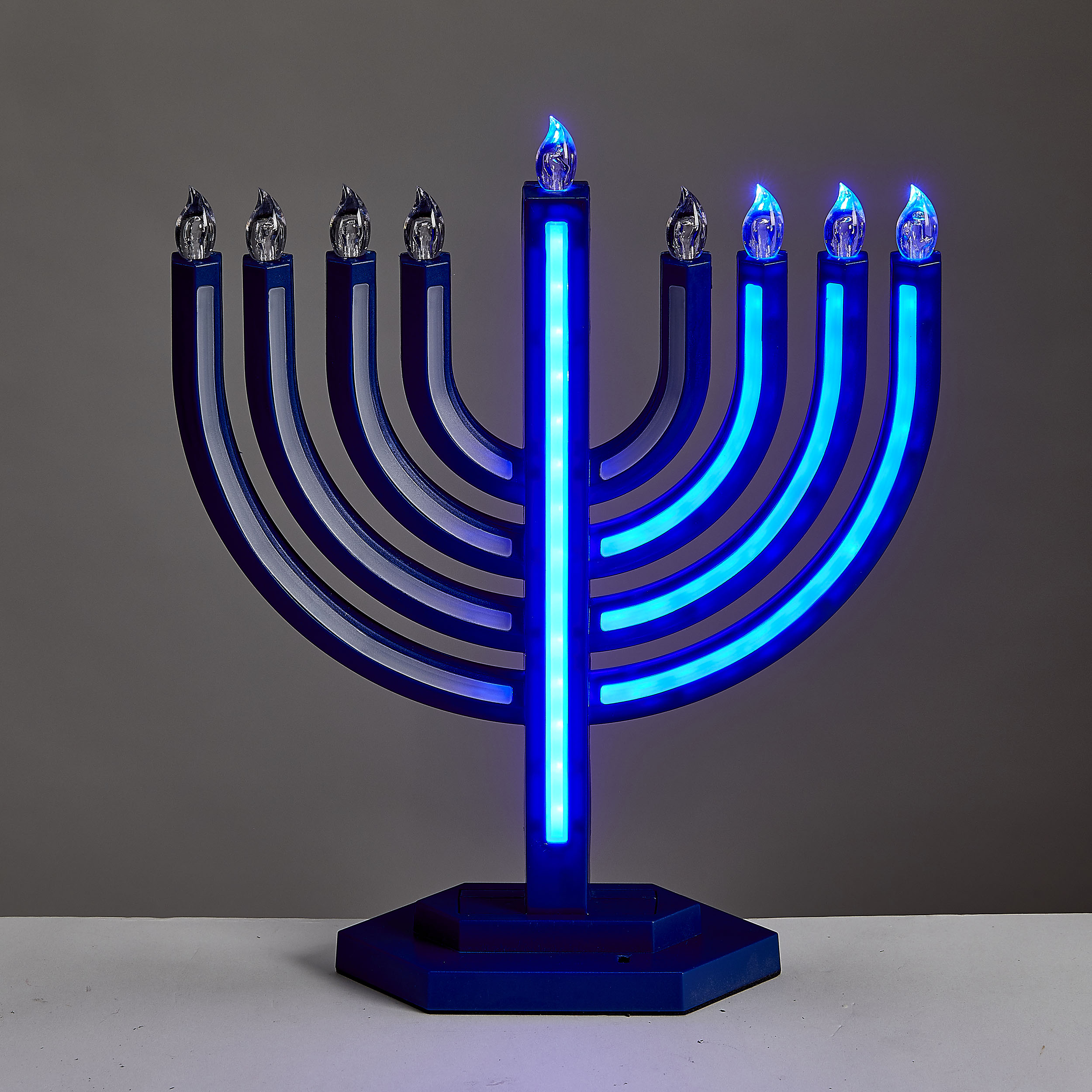
- To use the menorah: Insert the USB C cord into the USB port and adapter. Slide the ON/OFF switch to ON to light the middle branch (Shamash) or press POWER (icon) on the remote TRADITIONAL LIGHTING MODE: Using the “LIGHT” button on the Menorah:
- Press once to light the first bulb on the right (when facing the Menorah).
- Press again to light the 2nd bulb from the right, and so on, until all bulbs are lit. (total – 8 presses) Traditional Lighting can also be achieved using numbers 1 (icon) through 8 (icon) on the Remote. COLOR MODE: For Flowing: Press the “COLOR” button (or icon “flowing” on the remote): Colors will begin to flow in any bulb already lit. For Manual Color Changing: Press the “COLOR” button again: Any bulbs already lit will be BLUE, then PURPLE , then WHITE (or use the remote to chose a color). LIGHTSHOW MODE Press both LIGHT and COLOR buttons at once (or icon “Flowing” in Light Show on the remote): Colors will begin to flow in all 9 bulbs. Press both buttons again (or icon “Rippling” in Light Show on the remote): The bulbs will change colors with a ripple effect. Press both buttons again (or icon “chasing” on the remote) to see chasing bulbs.
- Remote Control (Requires 2 AAA Batteries, included)
- USB-C cord
- UL Approved Adapter